Turn any shot into your product in minutes.
Prompt House is a reference library. Download a shot you love, upload it with your product to Higgsfield, and let Nano Banana Pro add or swap your product in. We built the workflow around Higgsfield + Nano Banana Pro because it's the fastest path from reference to final shot, but the prompts work anywhere — Midjourney, Sora, Runway, or any AI image generator you prefer.
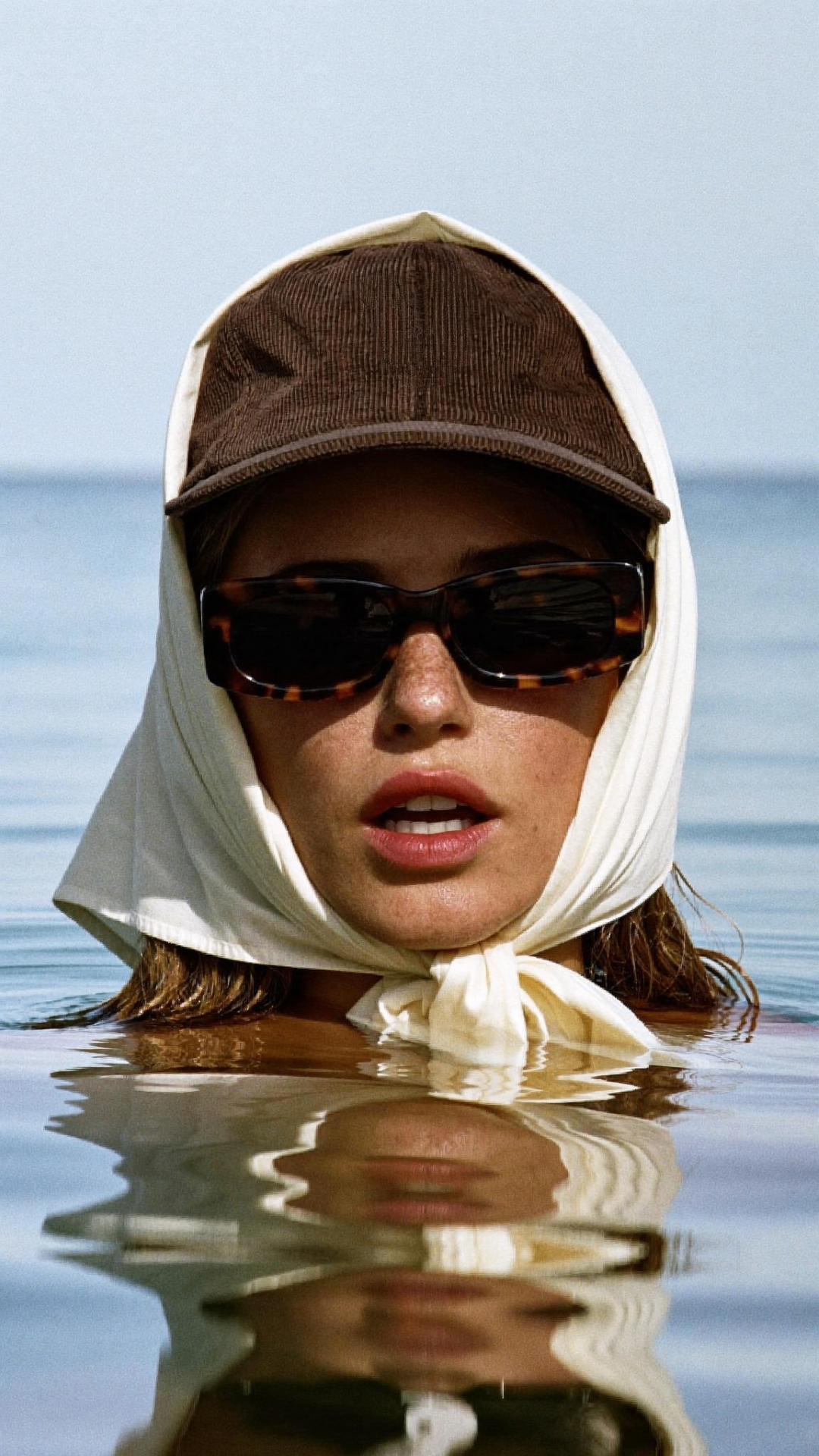
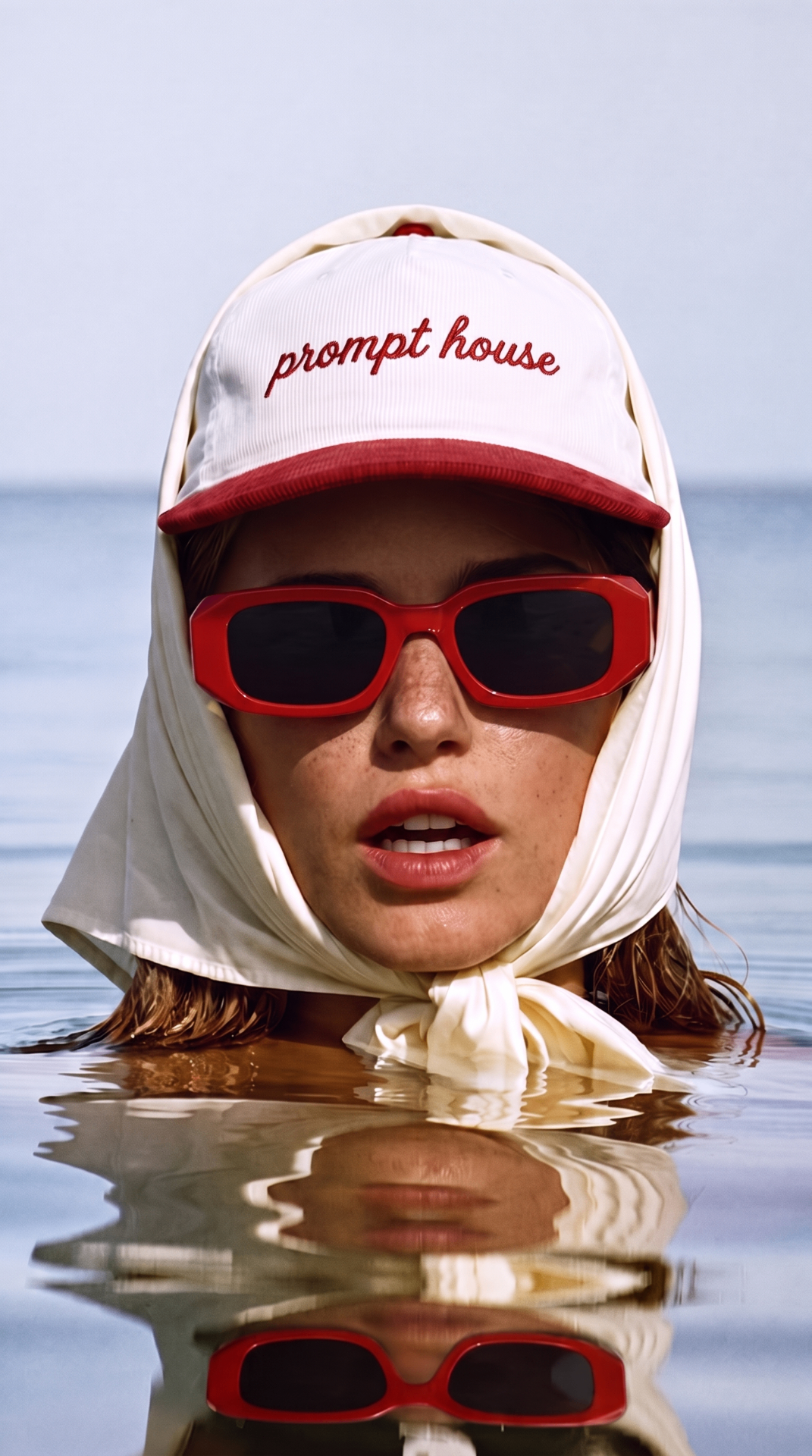
Download a reference shot
Browse the library, pick a shot that matches the vibe you want, and download the image. This is your visual recipe — lighting, scene, angle, and composition. Every Prompt House prompt is tool-agnostic, so the output works as a reference in any AI image platform.
Tip: Use the Favorites tab to save shots you want to come back to.
Upload reference + your product to Higgsfield
We recommend Higgsfield for the fastest workflow. Open Higgsfield and upload the Prompt House image as your reference. Upload your own product photo alongside it so the model knows exactly what to add or swap into the scene.
Tip: A clean product shot on a neutral background usually gives the cleanest result.
Choose Nano Banana Pro
For the cleanest add-or-swap results, we recommend Nano Banana Pro inside Higgsfield. It's the model that best preserves the original lighting, composition, and mood while inserting your product. Other models work too — this is just our go-to.
Tip: Pro mode gives you more control over how the final image keeps the original look and feel.
Set output to 9:16 and 2K quality
Every Prompt House shot is built at a 9:16 aspect ratio, so set your output size to 9:16 to match the reference. We also recommend setting quality to 2K — Nano Banana Pro defaults to 1K, and the higher setting gives you noticeably sharper, more usable output.
Tip: If you need a different crop for your channel, you can always re-crop later — but 9:16 gives you the native framing of the reference.
Tell it to add or swap your product
Use a simple prompt like: “Add my product to this scene” or “Replace the hat in the reference with my product.” Let the model keep everything else — lighting, background, mood — exactly as-is. Since you're uploading the reference image, you don't need to worry about the exact wording; the visual reference does the work.
Tip: Start with a simple instruction and iterate if the first result needs tweaking.
Download your final output
Generate a few variations, pick the winner, and download the high-res. You now have a product shot that looks like a professional shoot without the shoot. If you use a different platform, the same workflow applies: reference in, product in, swap out, ship.
Tip: Use the same reference image and settings for multiple products to build a cohesive campaign set that all look like they came from the same shoot.
Using a different platform?
Higgsfield + Nano Banana Pro is our recommended workflow, but every Prompt House prompt works as a starting point in Midjourney, Sora, Runway, or any image generator you prefer. The color-coded prompt tells you exactly what to keep and what to swap, regardless of the tool.